Request Information
Portal visitors can use the Request for Information (RFI) form to request information about a specific campus.
-
Click Request Information on the Portal home page.
-
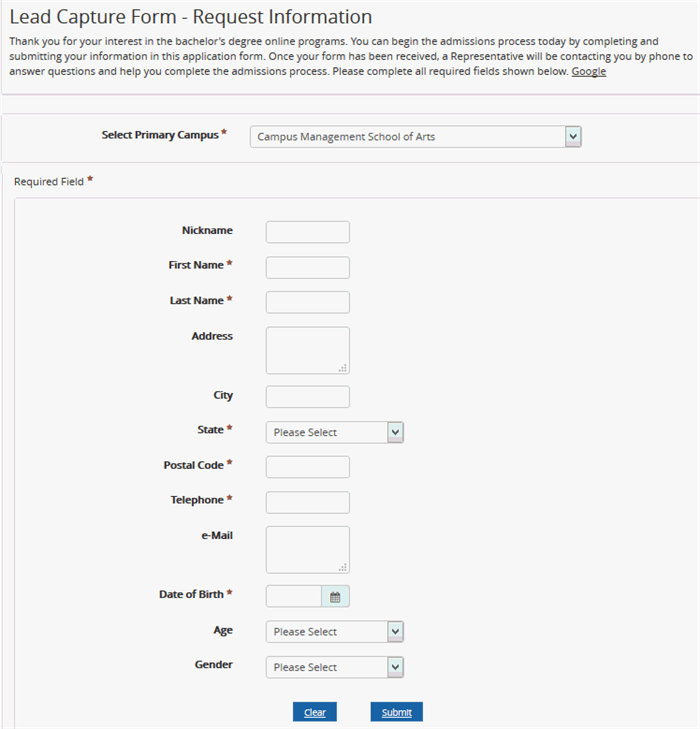
From the Select Primary Campus list, select a campus.
Fill out the form with your name and address information. Items marked with an asterisk are required.
-
Click Submit. A Thank You page confirms the successful submission of the form.
The form is sent to an Admissions Representative of the selected campus.
