Viewing Inbound Interest Details in a Contact
Inbound interest records are displayed in different areas of a contact record:
 In the Inbound Interests grid of a contact record
By default, inbound interest records associated with the contact are displayed in this grid.
In the Initial Source area
This information is read-only and displays details of the inbound interest record in which the Primary option is selected. Staff can collate this information from inbound interest records created in a time frame and then analyze information such as:
- The count of students who changed their initial program
- The program / course in which students are currently enrolled as compared to the initial choice that students made
- The duration after which students changed their program / course
This analysis helps admission coordinators modify or realign their admission processes.
In the Marketing area
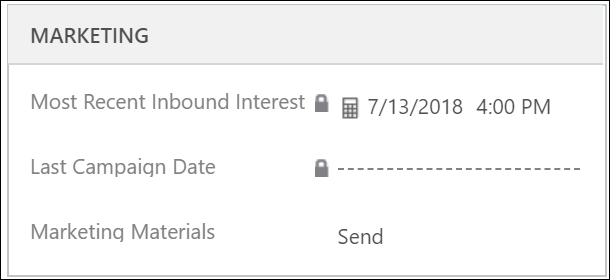
Refresh the field to view the date and time of the most recently created inbound interest record.
Analysis of this field across a student segment helps staff to gauge the count of records in a specific date range. They can then determine if lifecycle records need to be created for specific inbound interests.
